.svg)

Sébastien Estines
Co-founder Lyzi

Developed by the team behind Debank, Rabby Wallet is a Web3 wallet designed to make the management and use of cryptocurrencies more fluid and intuitive. Its great strength lies in its compatibility with numerous EVM (Ethereum Virtual Machine) blockchains, making it an ally of choice for users active in the DeFi and Web3 ecosystem.
Unlike some more general wallets, Rabby focuses on the user experience:
Rabby Wallet integration with Lyzi opens the door to a simple and concrete use of your cryptos, directly in everyday life. Buying a coffee, paying a restaurant bill, or even buying a high-end product becomes possible in a few seconds:
No hidden costs, no complexity: an experience designed to bring the Web3 universe closer to real consumption.
The arrival of wallets like Rabby illustrates the growing maturity of the Web3 ecosystem. By making them compatible with a solution like Lyzi, used in more than 600,000 points of sale in France and Europe, we are bringing crypto into daily use, accessible to all.
With Lyzi, paying with Bitcoin, Ethereum, stablecoins... or via Rabby Wallet becomes a simple, concrete and secure experience.
👉 One more proof that the future of payment is already here: it is non-custodial, multi-crypto and universal.
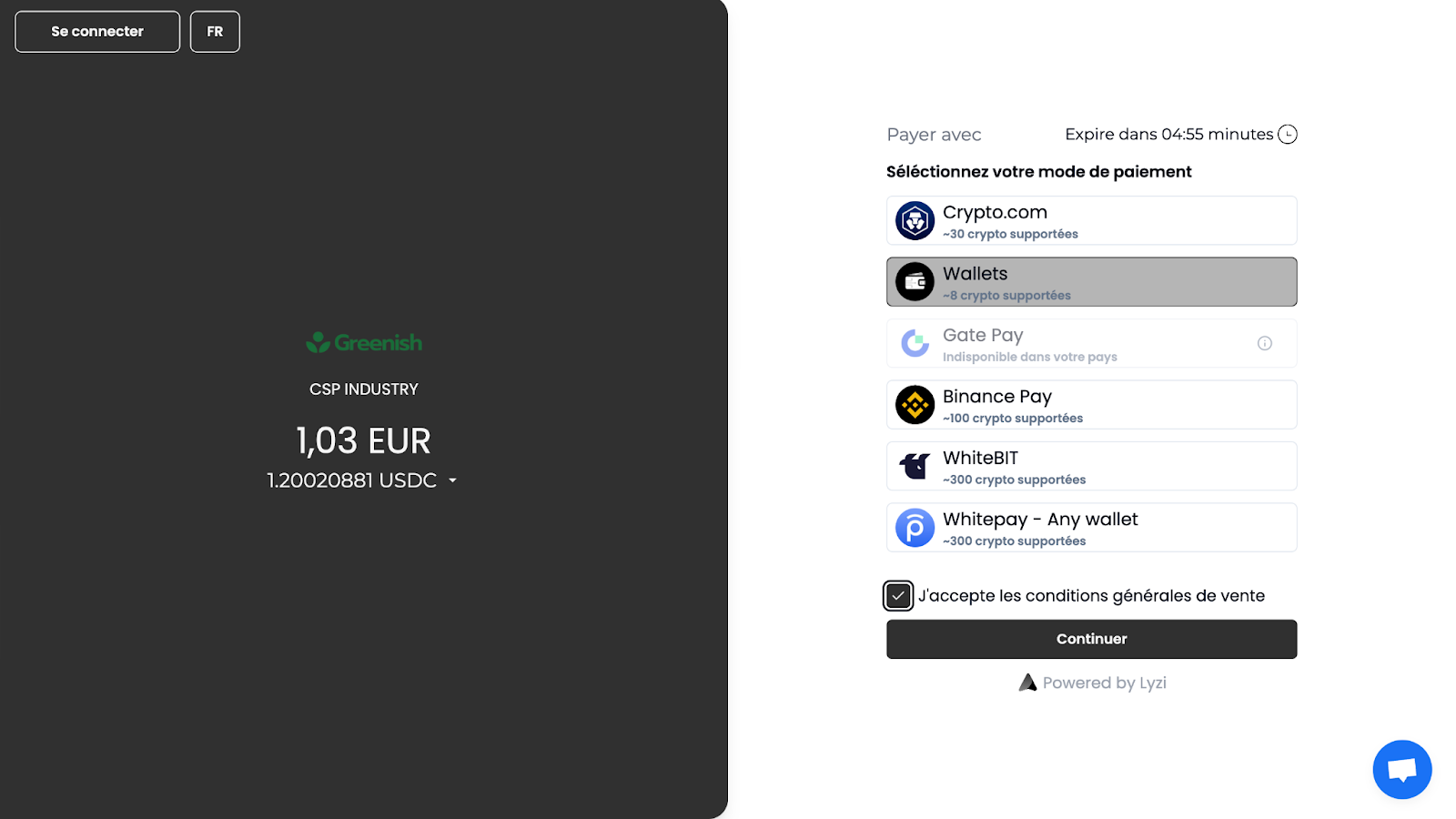
Once on the checkout page, you have various options to choose from.
There are exchanges like Binance or WhiteBIT, but also the Wallets option, which represents non-custodial wallets.

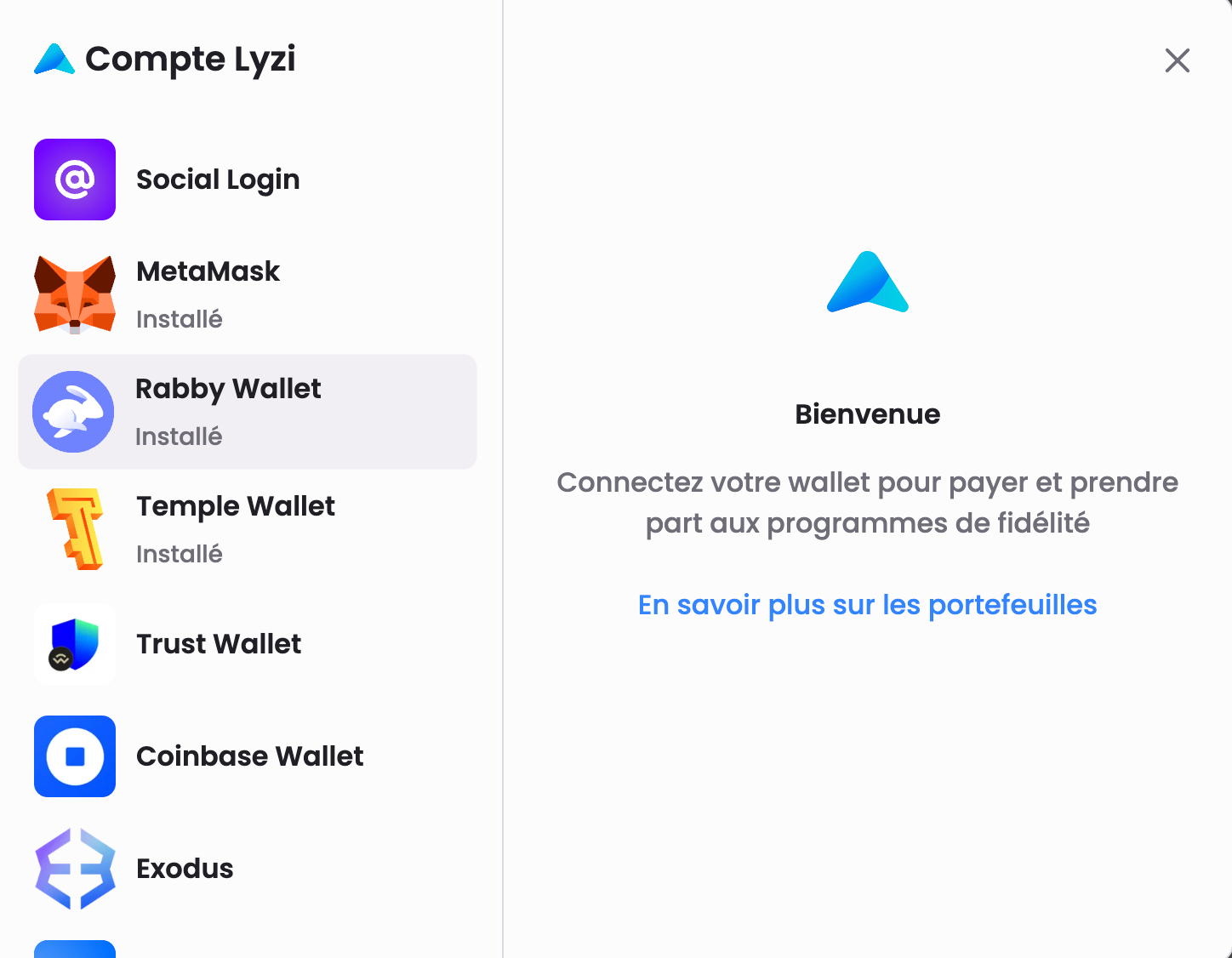
So, you are connected and your address is registered. You will therefore benefit from various rewards such as the cash backs linked to your purchases, or community drops.
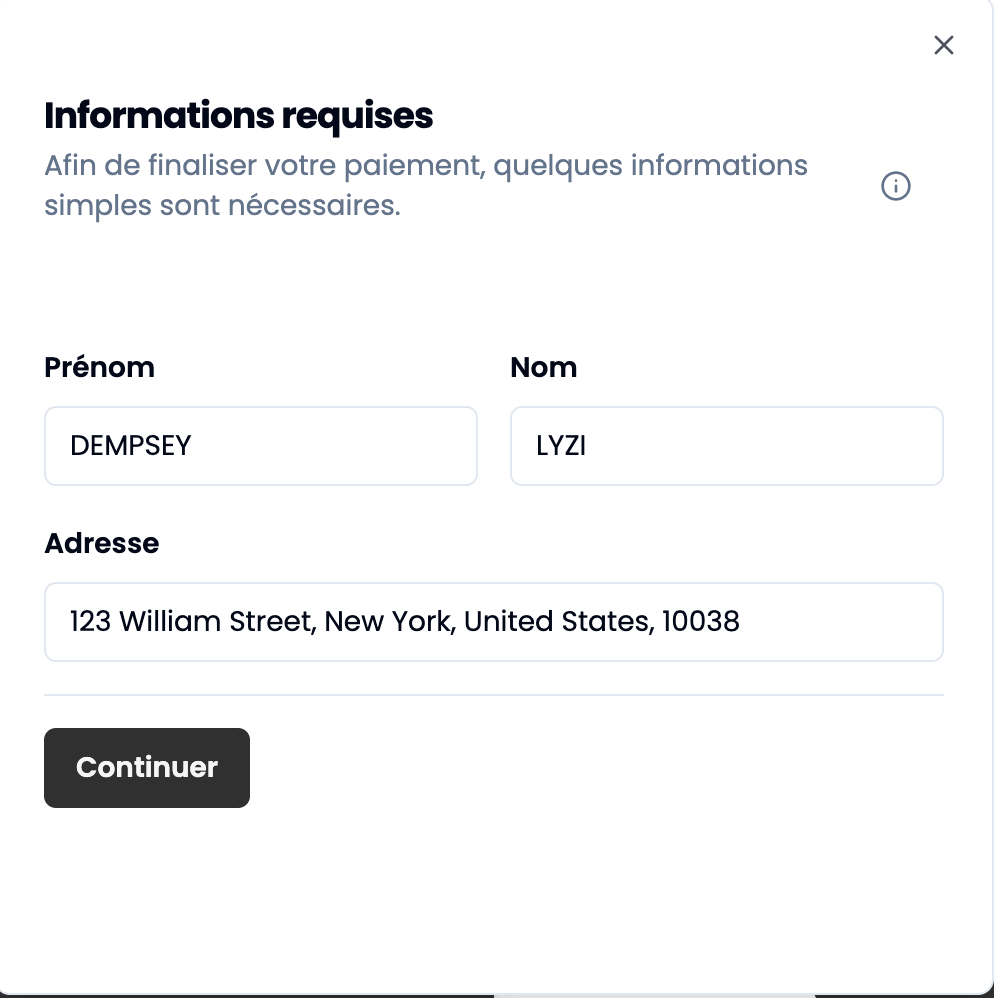
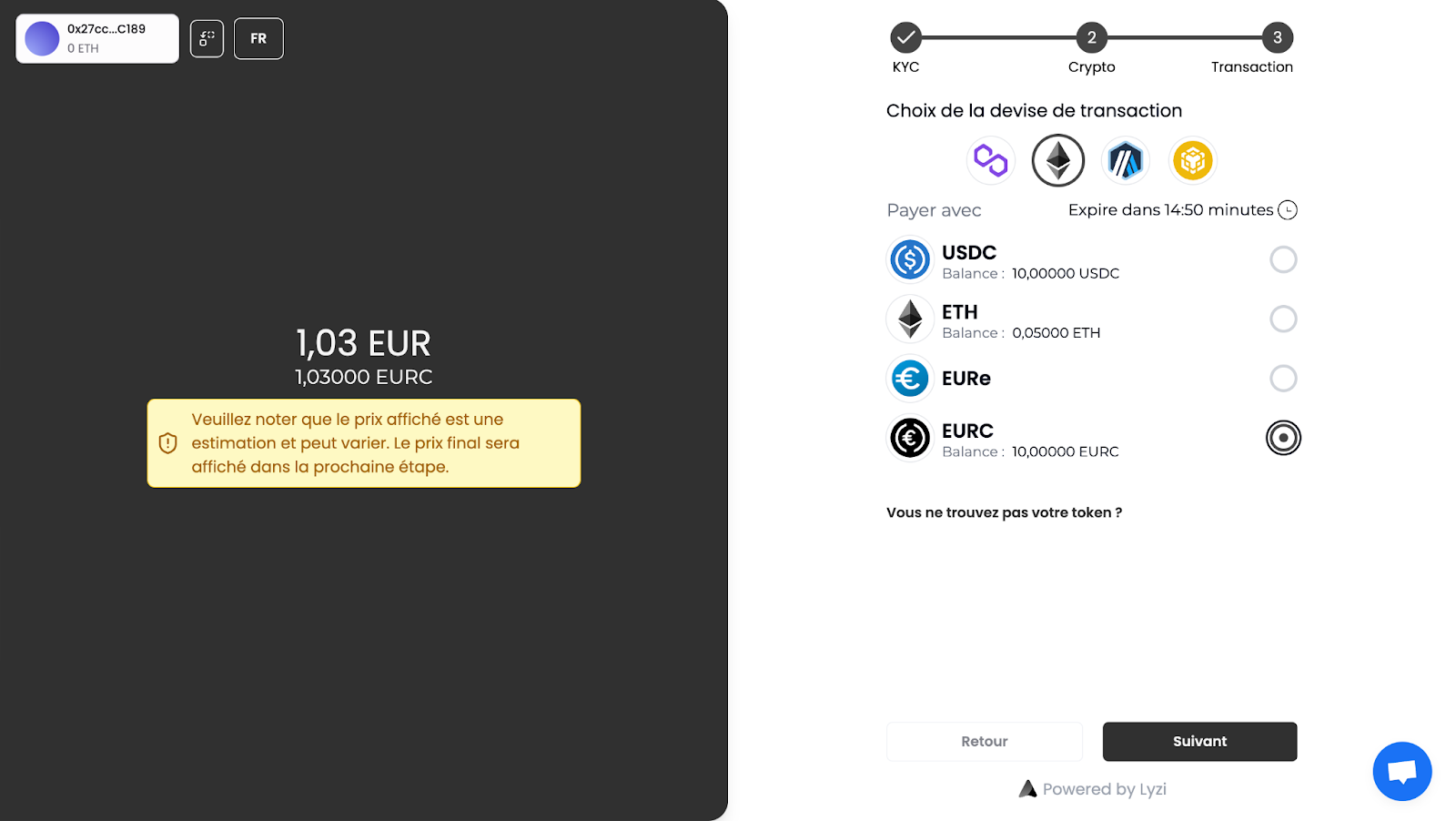
Once the 'Wallets' option is selected, you can choose which network and crypto you want to use and therefore spend.
Here, we chose to use the Sépolia Ethereum network (test), and to spend EURC.
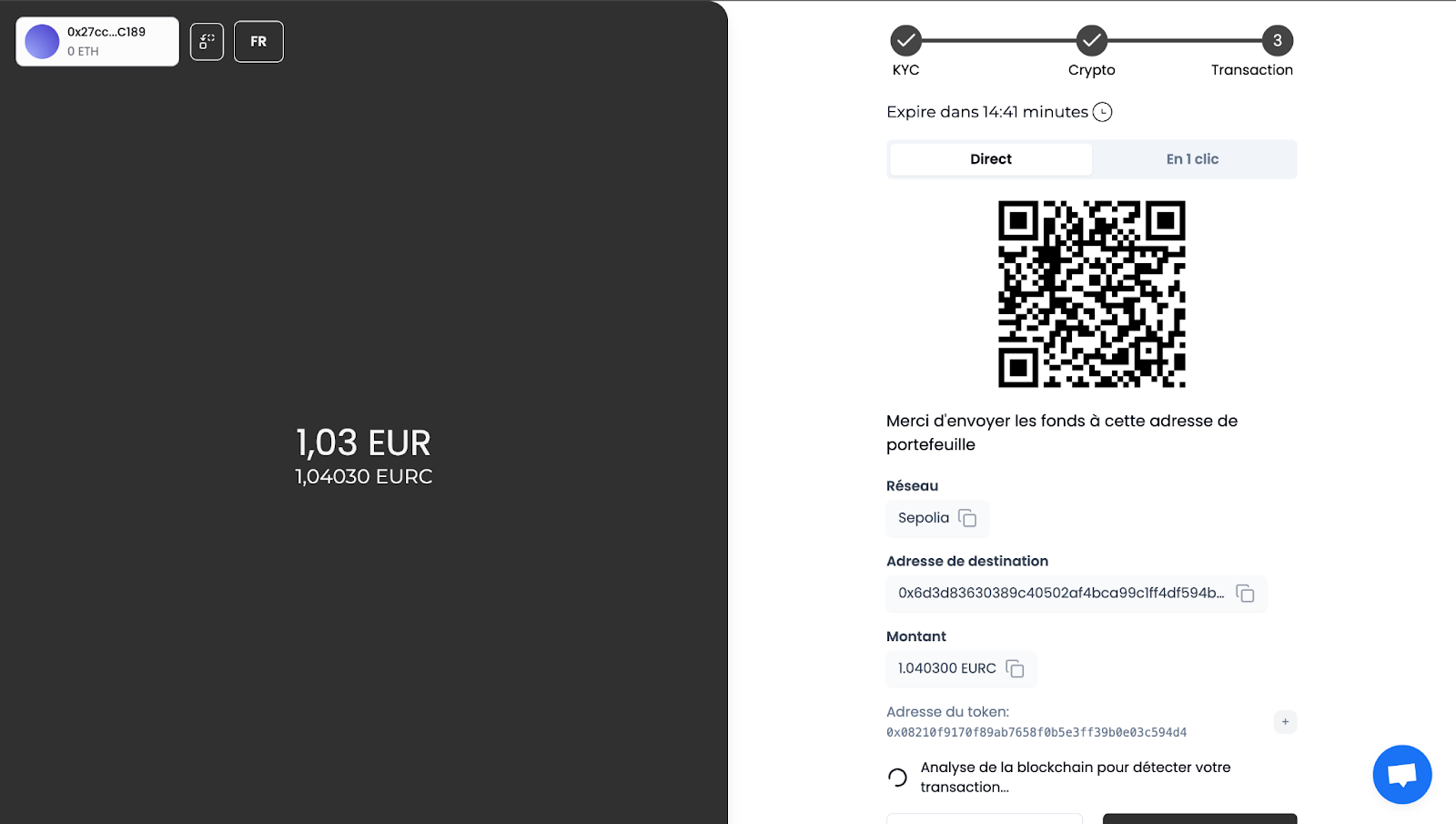
You are therefore offered to pay, either by sending the funds (exact amount) to the address, manually. Or in 1 click, i.e. by validating the operation from your Rabby wallet, already connected. This method is more suitable for payment on a desktop computer because on mobile it requires a certain agility. Indeed, you will have to switch from the wallet to the Dapp to validate the authorizations in the wallet.
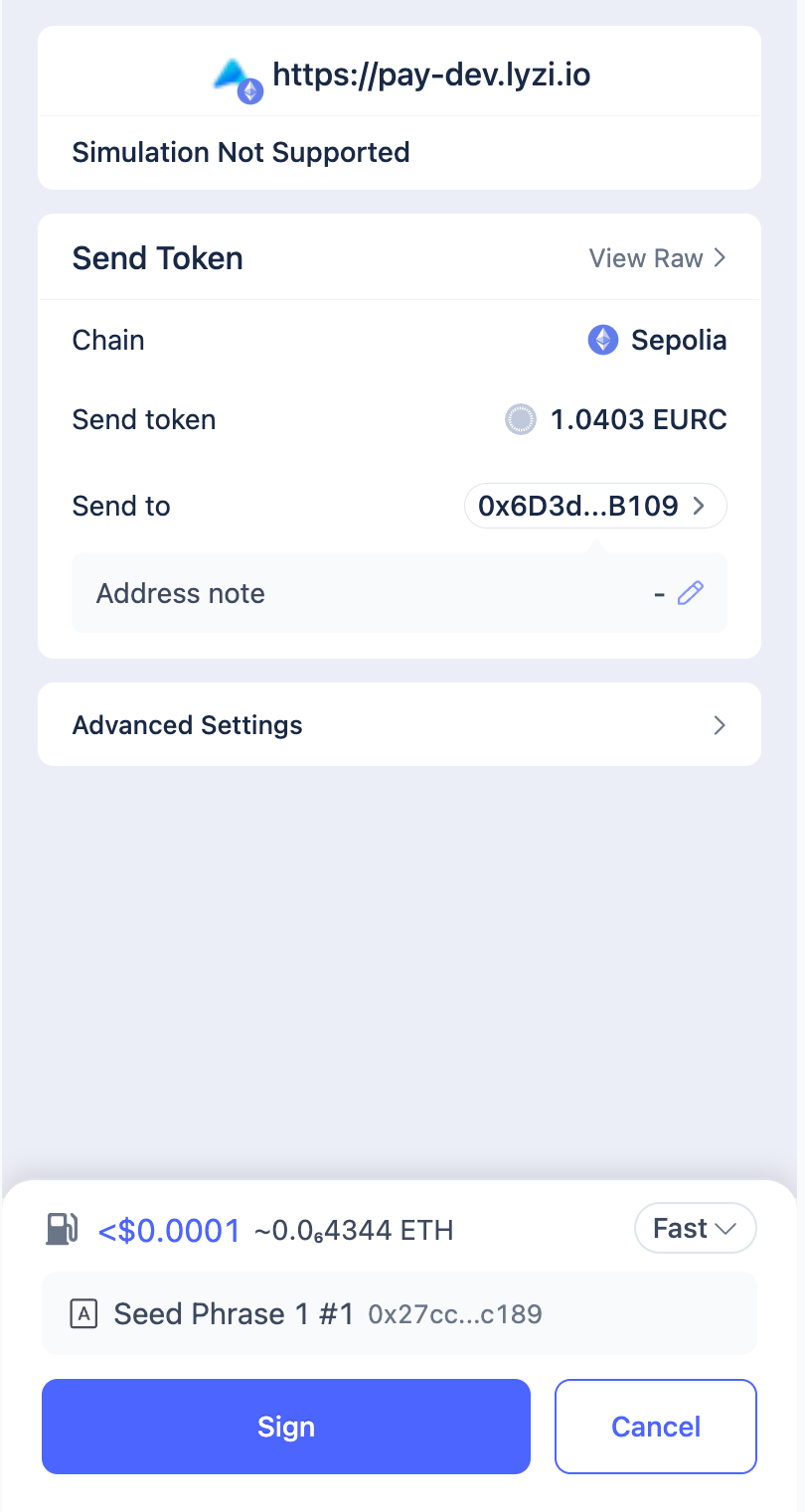
As specified above, you must therefore validate the transaction from your wallet. (Make sure you have enough to pay for gas 🙂)
The transaction goes to confirmation status...
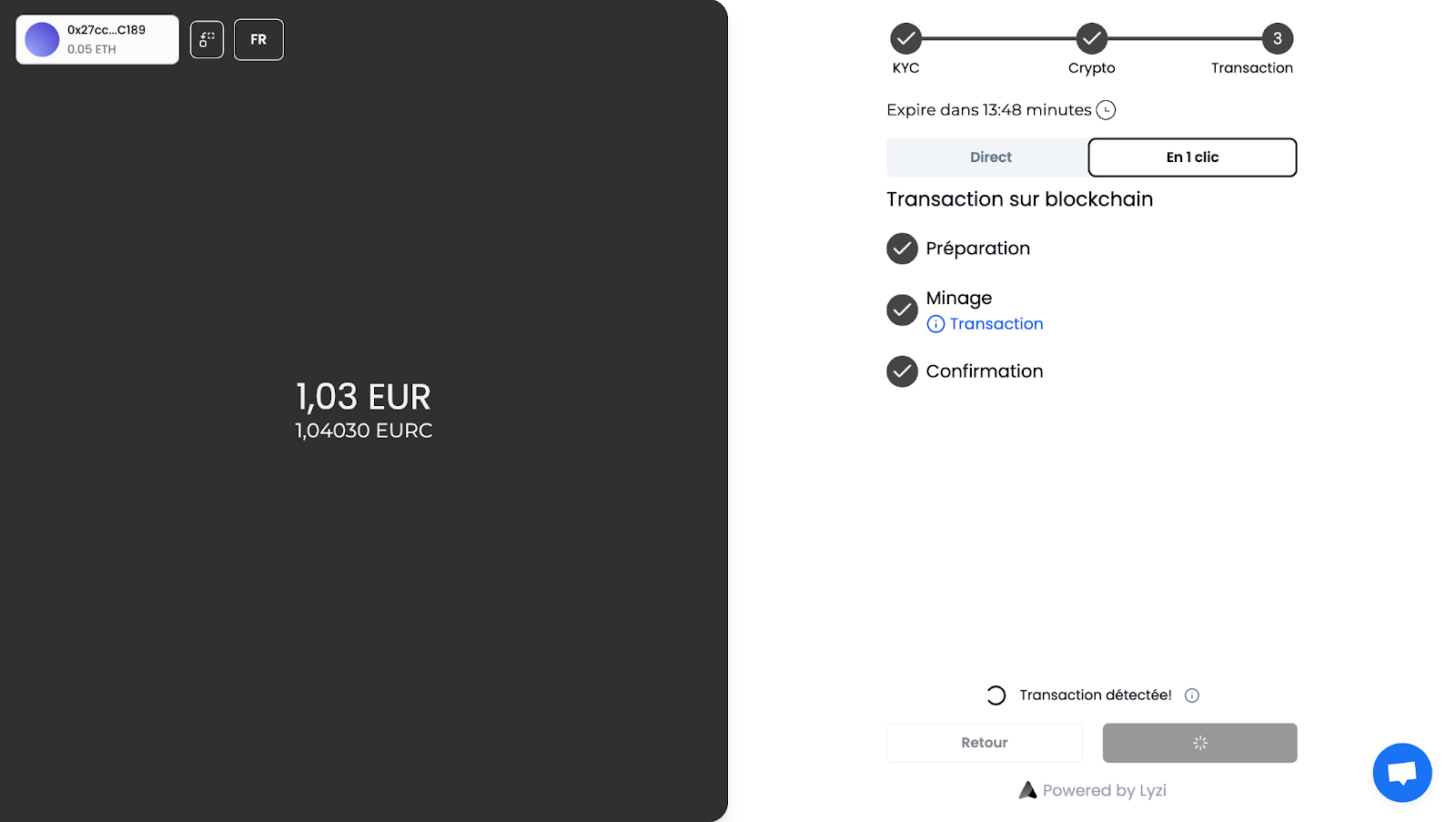
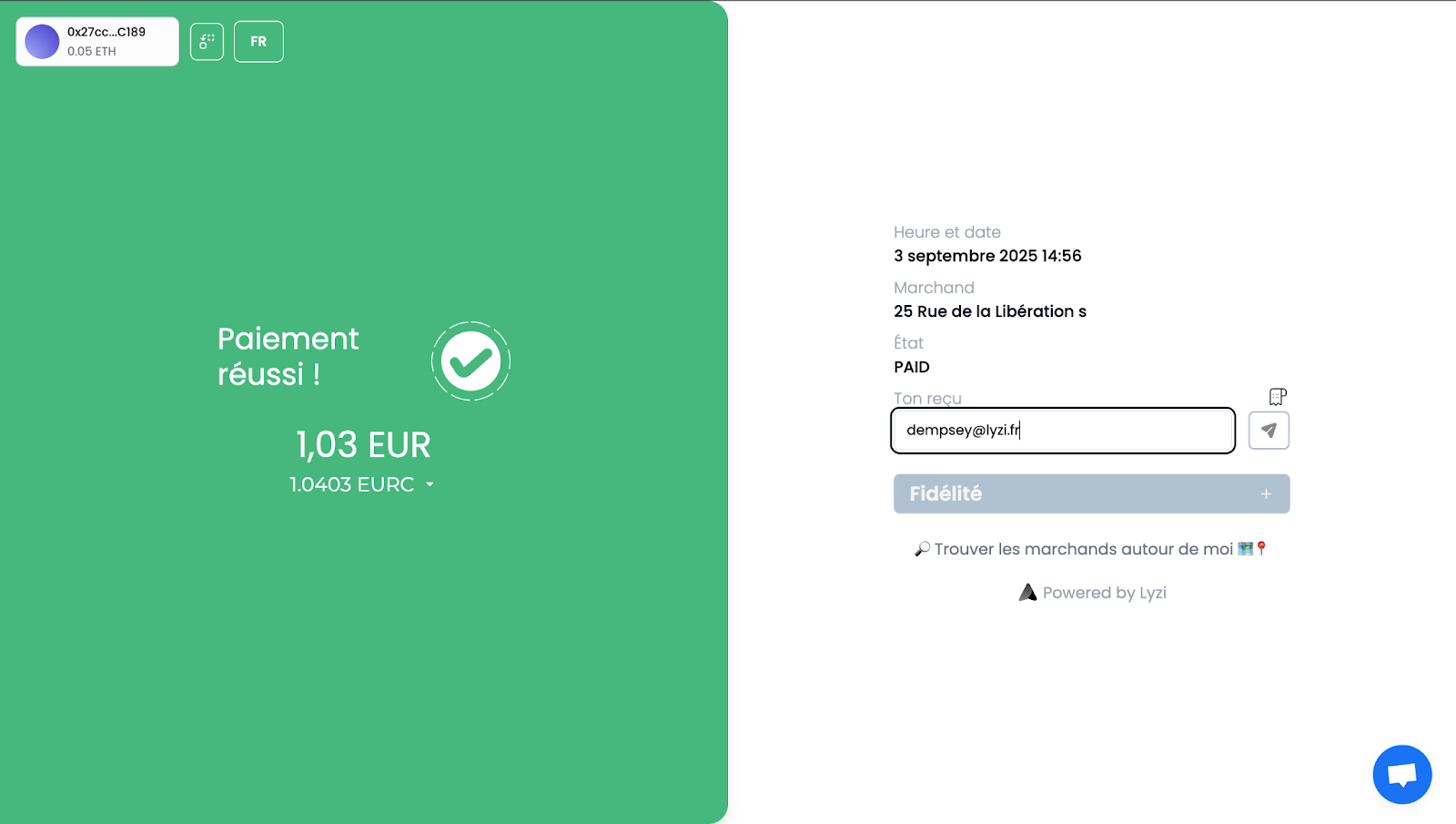
And presto! The payment is validated! 😀